
How to change position on AutoCaptions ?
You wish to change the text position, it’s very simple. From the Edit Style section, you can make modifications:
- Select Position & Style
- You can Drag & Drop the captions block to move it as you want
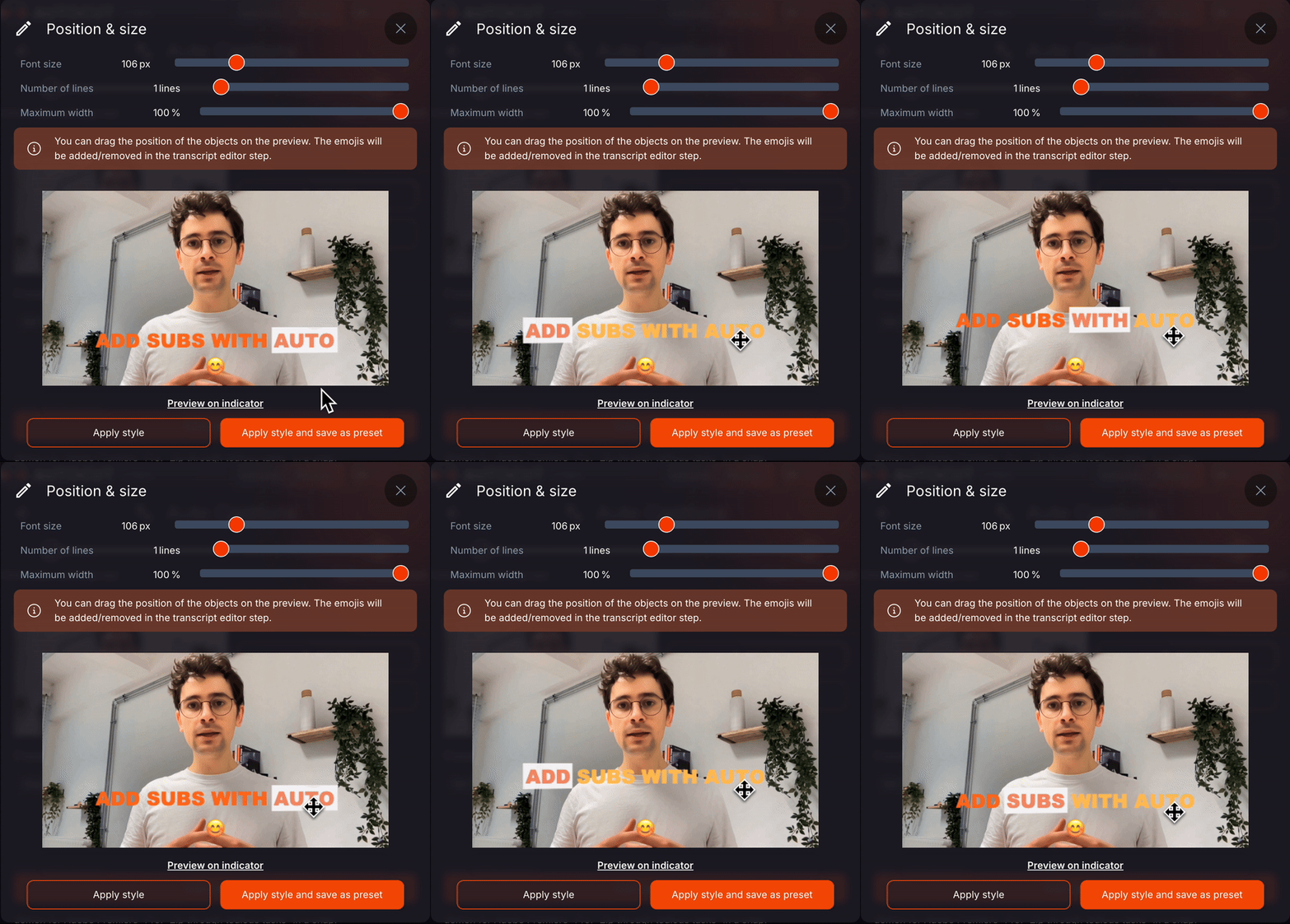
The emoji in the preview is a suggestion; you don’t need to consider it as it will be removed if you haven’t added it in your transcription.
- Click Apply Style to save your changes.
Noticed an error after importing your subtitles? No problem, to modify the position after the import, you can click Back to the transcript editor.
Updated on: 25/04/2025
Thank you!