
How to create a wide shot from close-up shots ?
If your podcast setup doesn’t include a dedicated wide shot, you can create one by combining two close-up camera angles.
In this example, we’ll show you how to merge V1 (Adrian) and V2 (Alexandre) into a virtual wide shot.

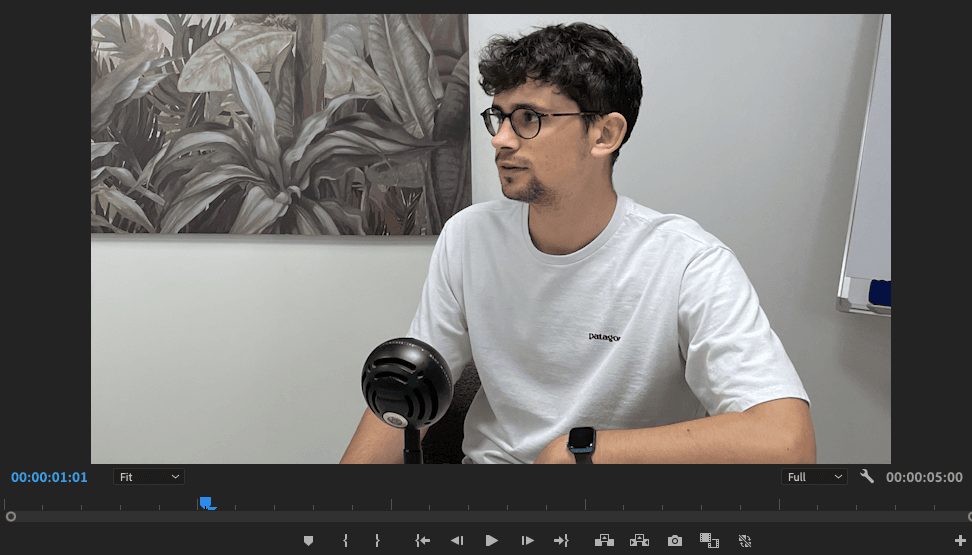

Step 1: Create a new sequence
- In your video editing software, create a new sequence.
- Add V1 and V2 (the close-up shots of your participants) to this sequence.
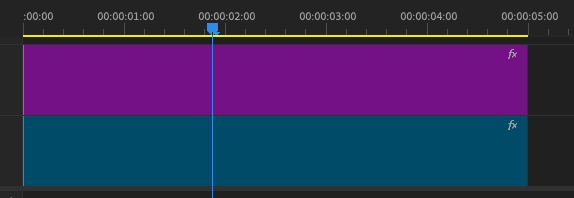
Step 2: Add & Position a mask
- Apply a mask effect to the V2 track in this new sequence.
- Use the polygon tool (found in the mask settings) to draw your mask.
- Adjust the mask to reveal both participants in the frame, creating a blended wide shot.


Step 3: Import the Wide Shot into your main sequence
- Go back to your original timeline.
- Import the new sequence you just created.
- Place it on a new video track (ex. V3) to use it as your virtual wide shot.
Final result
You now have a clean, dynamic wide shot composed from two individual close-ups — perfect for group moments or speaker transitions without a dedicated wide camera.

Updated on: 18/06/2025
Thank you!