
How to obtain a 14-day trial key ?
After installing AutoCut, you can start a free 14-day trial to unlock every feature on your own videos. You only need to provide an email address — no credit card required.
Starting your free trial
Launch the extension. You can start your free trial in two ways:
- Click the key (license) icon at the top of the extension, then choose "Claim your free trial".
- Or simply try to use a feature that is not unlocked yet: the trial offer appears automatically.
On the "Start your free trial" screen, you will see that every feature is unlocked for 14 days with no credit card required. Click "Claim your free trial" to continue.
Receiving your key
Enter your email address and click "Email me my trial key". Your trial key is sent automatically to this address within a few seconds.
Activating your trial
Back in the extension, on the "Enter your trial key" screen, paste the key you received by email and click "Start my free trial".
You can now use AutoCut for 14 days!
Get up to 10 additional days
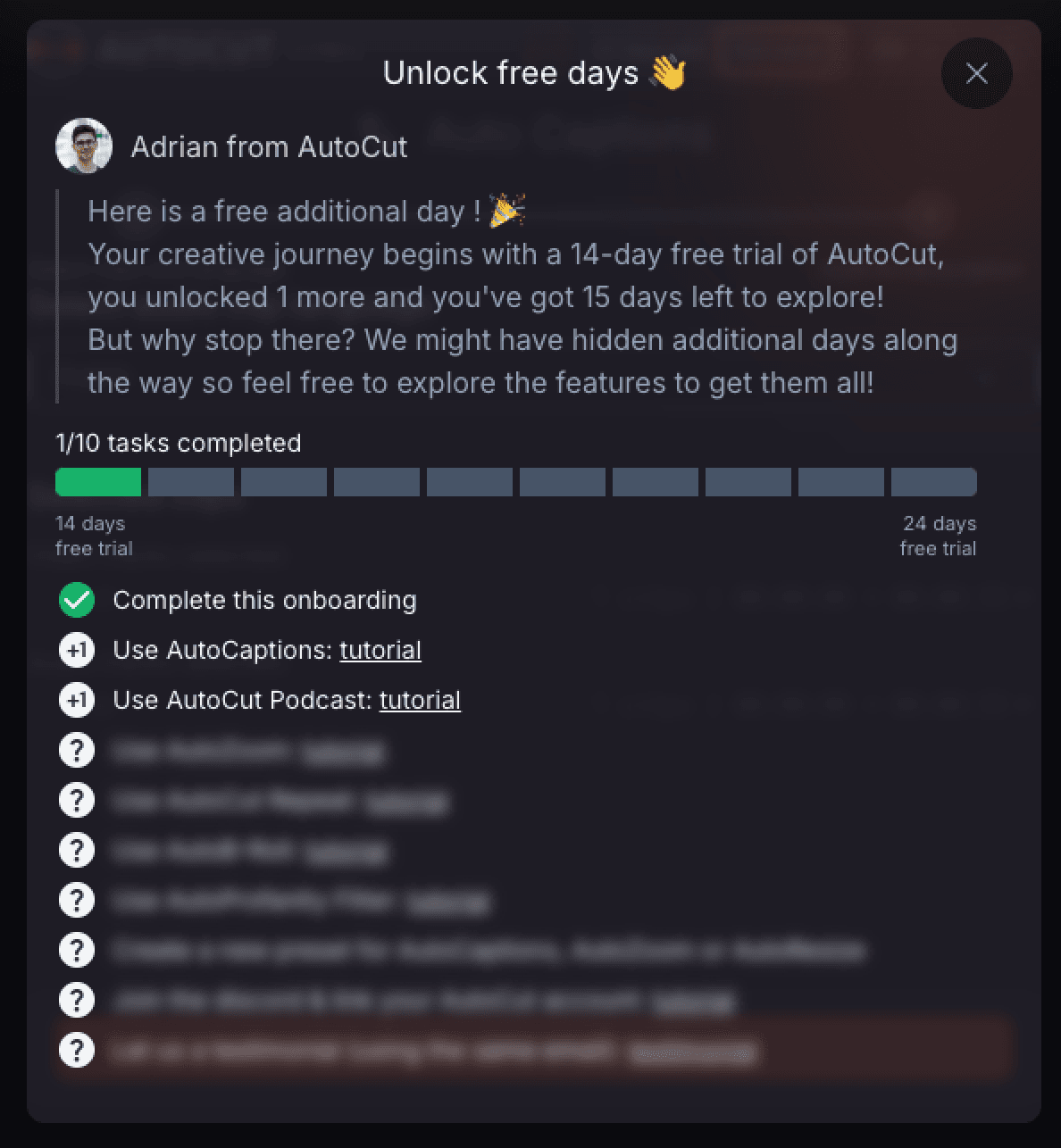
To extend your free trial, we have set up a series of missions to complete that let you earn up to 10 additional days. Open your trial adventure ("Start your AutoCut Adventure") to discover the missions — a system to reward our new AutoCut experts that we invite you to explore.
Updated on: 23/06/2026
Thank you!